Features

Eight ways AutoPrise AI runs your work.

Chat with it. Schedule it. Send it commands from your phone. Hire a team of agents and walk away. AutoPrise AI is one platform that meets you where you are — and does the boring parts so you don't have to.

What can AutoPrise AI do?

AutoPrise AI runs autonomous AI agents on your Windows PC. It controls your browser, edits files, runs commands, schedules recurring work, syncs with your phone, and lets multi-agent teams collaborate on goals — all locally, with your own Google Gemini API key.

01 — Multi-pane chat

Three brains. One screen.

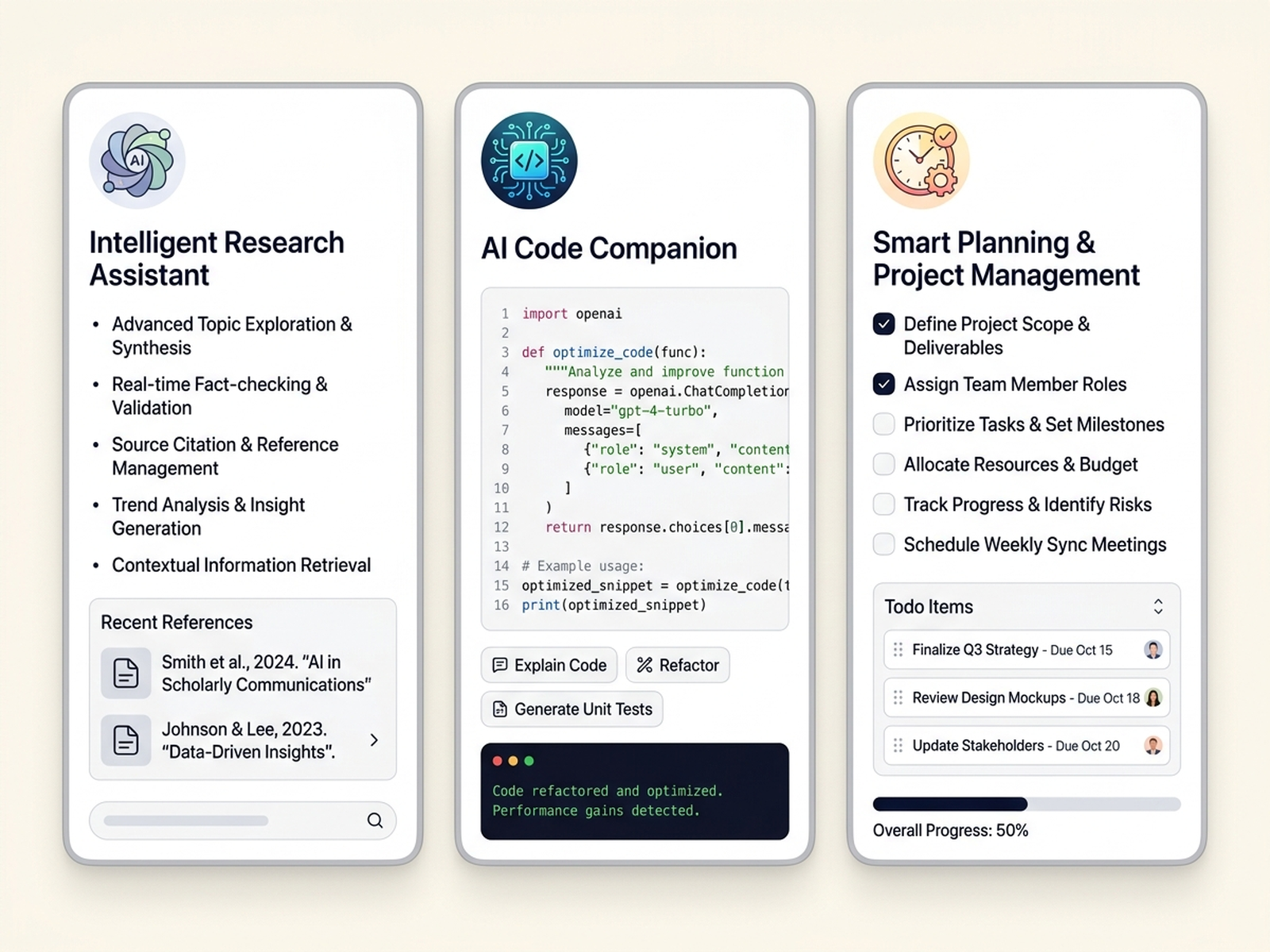
Run up to three independent AI conversations side by side, each with its own context, memory, and goals. One pane researches a topic. Another writes the brief. A third runs experiments on your machine. No more juggling tabs — your work runs in parallel.

  • Independent conversations with separate history and memory
  • Each pane drives the same set of local tools
  • Switch context without losing thread
Three AutoPrise AI chat panes side by side: a research assistant with citations, a code companion with a code editor, and a planning assistant with a checklist.

02 — Flagship

Autonomous AI organizations

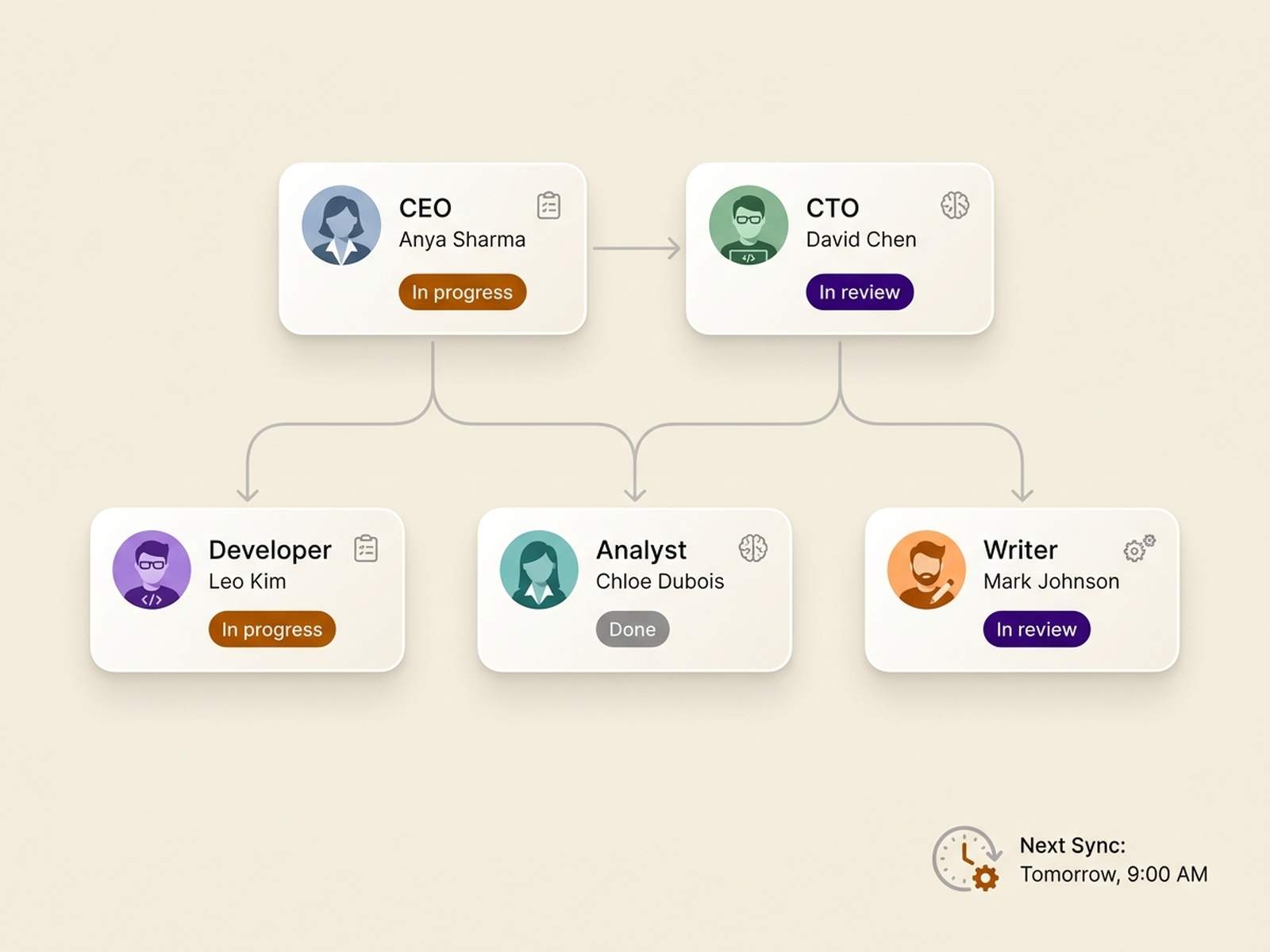
Configure a team — CEO, CTO, developer, analyst, anything — give them roles and a shared task board, and they take it from there. Agents pick up tickets, delegate to each other, run on cron schedules, and submit code or reports for human review. Real teamwork without you in the loop every minute.

  • Multi-agent collaboration with role-based responsibilities
  • Shared task board with tickets, status, and assignment
  • Code proposals submitted as diffs for human approval
  • Cron-scheduled work cycles — agents run while you sleep
AutoPrise AI organization view: CEO, CTO, Developer, Analyst, and Writer agents arranged in an org chart with status pills (in progress, in review, done) and a next-sync timestamp.

03 — Scheduled automation

Cron, but with a brain.

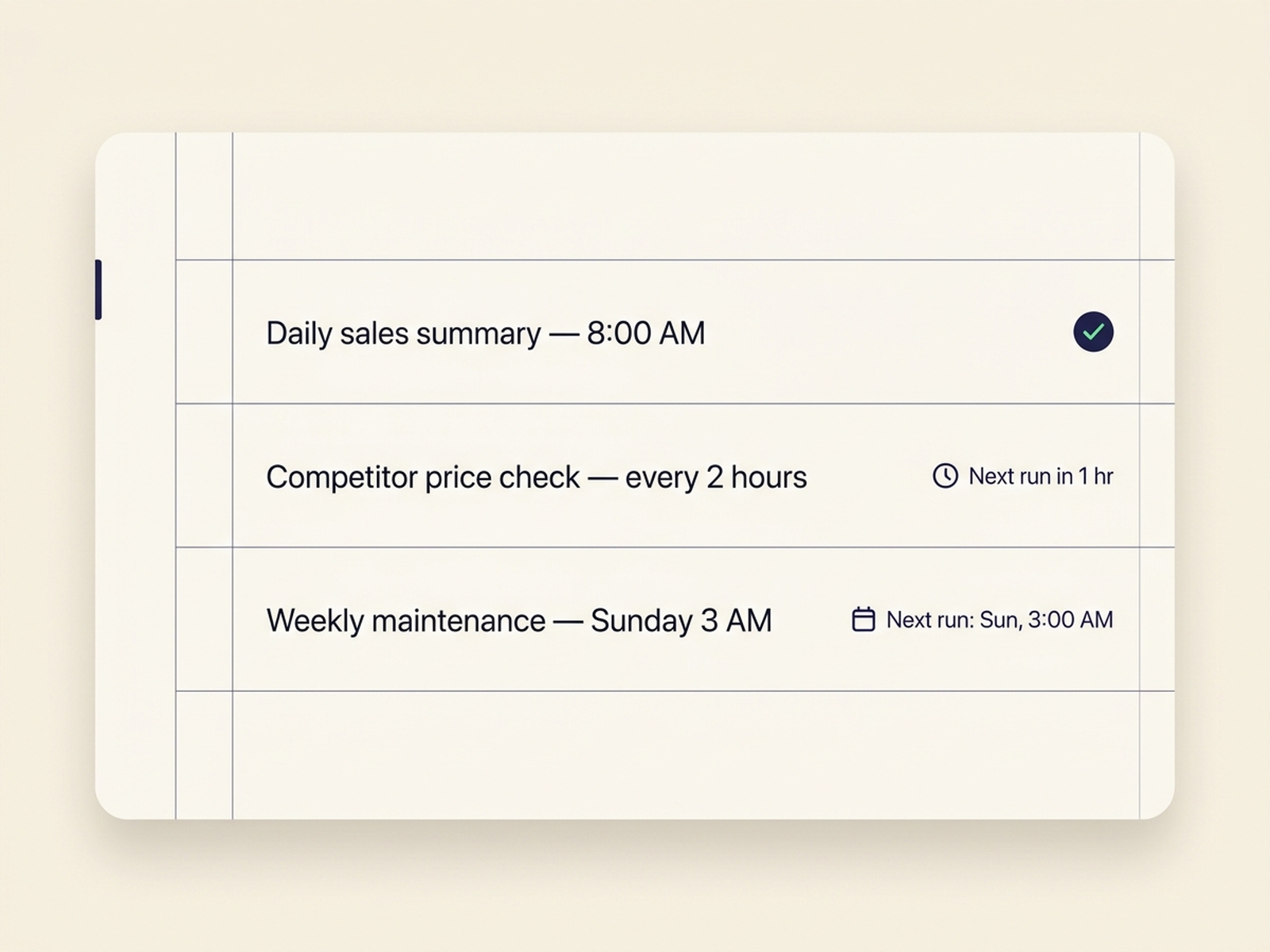
Tell AutoPrise AI what to do and when. It runs the task at the scheduled time, handles unexpected state, retries on transient failure, and reports back. Daily reports, weekly maintenance, hourly checks — all autonomous, all logged.

  • Plain-English cron — "every weekday at 9am"
  • AI re-planning when the world changes (forms move, layouts shift)
  • Full activity log so you can audit what happened overnight
AutoPrise AI scheduler view listing recurring tasks: a daily sales summary at 8am, competitor price checks every two hours, and weekly maintenance on Sunday at 3am.

04 — Mobile app

Your PC in your pocket.

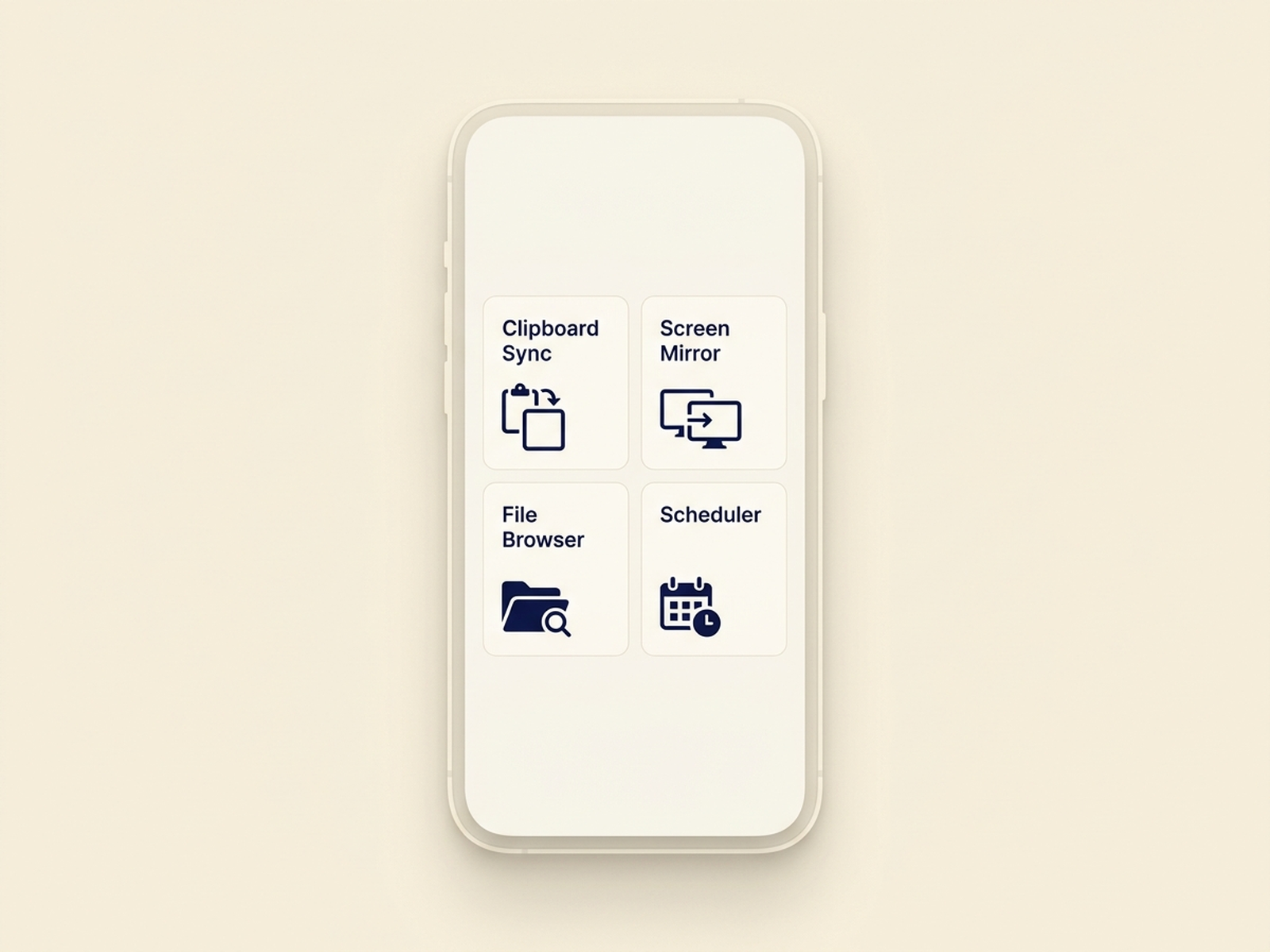
A native Android app that connects to your PC over your own private network. Send messages, get push notifications when work is done, and use Control Centre to remotely manage everything — clipboard sync, file browser, screen mirror with tap-to-click, PC power controls, even live agent observation with a timeline view.

  • Push notifications for completed tasks and approval requests
  • Hold-to-talk voice with real-time transcription
  • Real-time voice conversation mode for hands-free control
  • Visual workflow builder for reusable automations
AutoPrise AI mobile Control Centre on a phone screen with a tile grid: Clipboard Sync, Screen Mirror, File Browser, and Scheduler.

05 — Telegram

A private bot for quick commands.

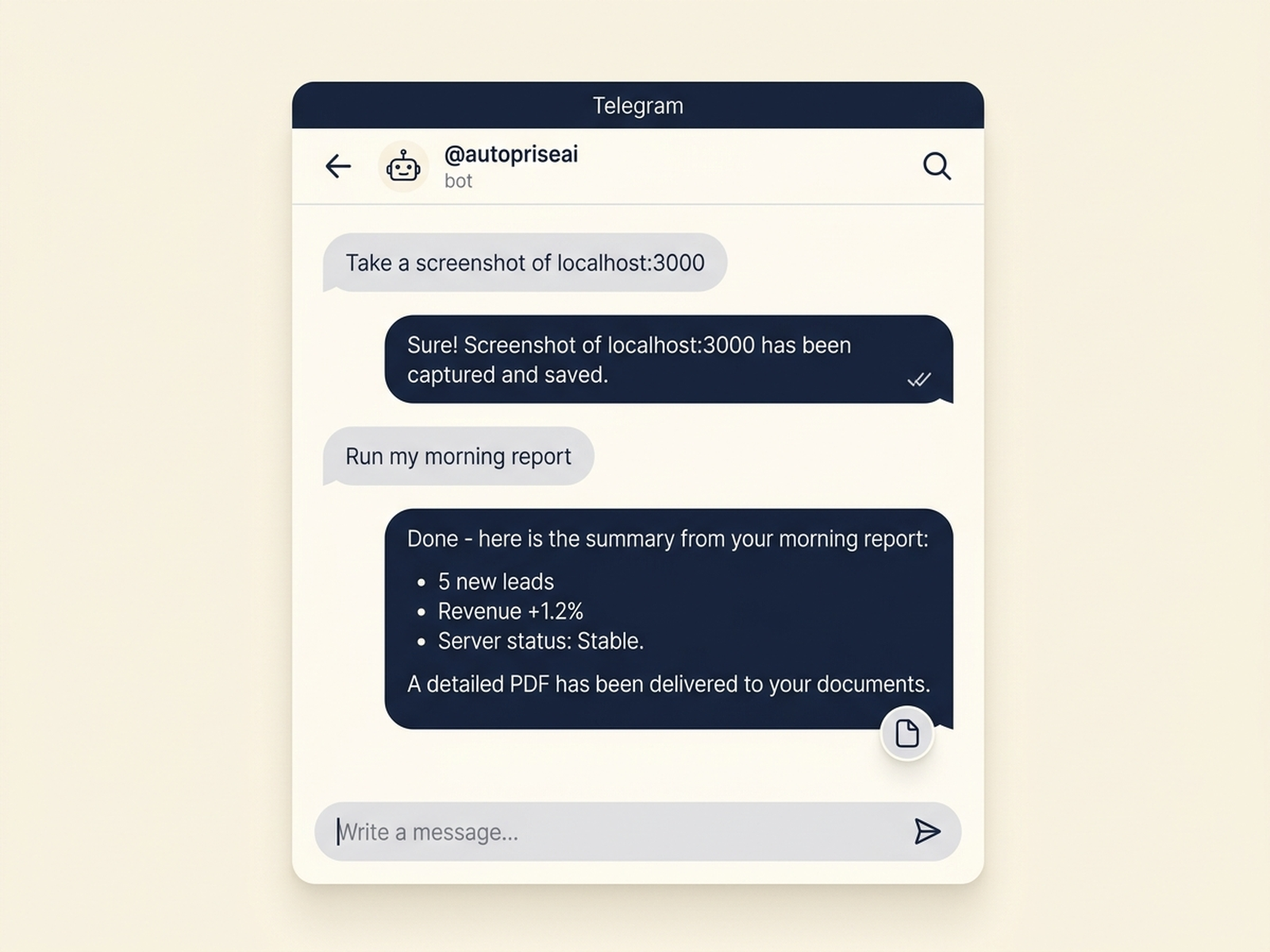
Send a message to your own Telegram bot. AutoPrise AI handles it on your PC and replies. Perfect for one-off tasks when you're away from your desk and don't want to open the full app.

  • Isolated AI brain — Telegram conversations don't touch your org or main chats
  • Works from any device that can run Telegram
  • Same toolset, smaller surface area
A Telegram conversation with the AutoPrise AI bot showing remote-command messages and bot responses.

06 — Real automation

Browser. Desktop. Files. Shell.

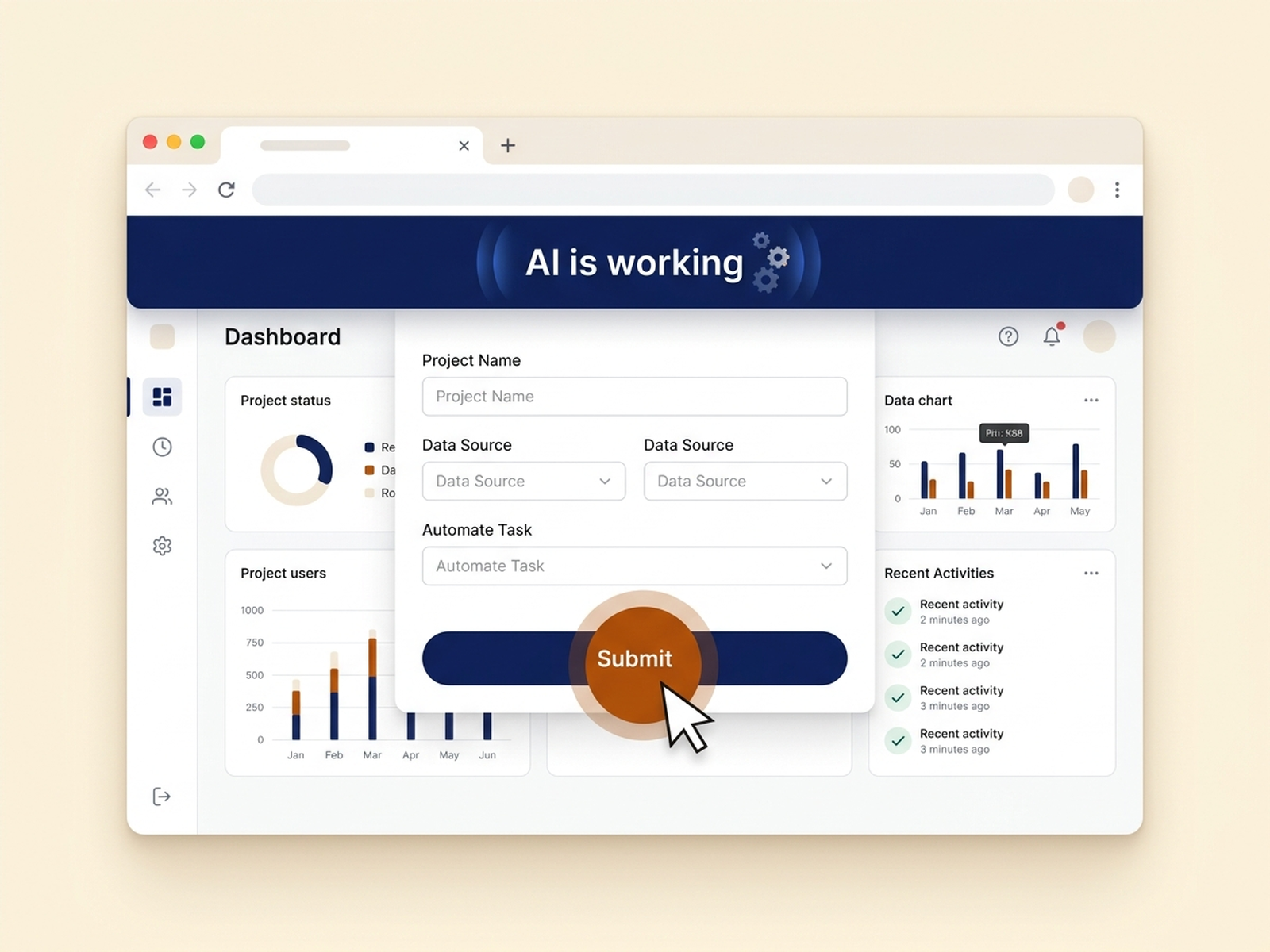
AutoPrise AI doesn't just talk about doing work — it does the work. It opens browsers, fills forms, captures screenshots, edits files, runs commands, and inspects the screen with vision. Every action is logged. Sensitive paths and dangerous commands can be locked down.

  • Browser control with real form interaction, not just scraping
  • Vision-based screen reading for apps without APIs
  • File editing, shell access, process management
  • Configurable allowlists for paths, commands, and URLs
A browser window with AutoPrise AI driving the page: a cursor click ring on a button, a form field being filled, and an indicator that the AI is at work.

07 — Show me once

Procedural skills (Playbooks).

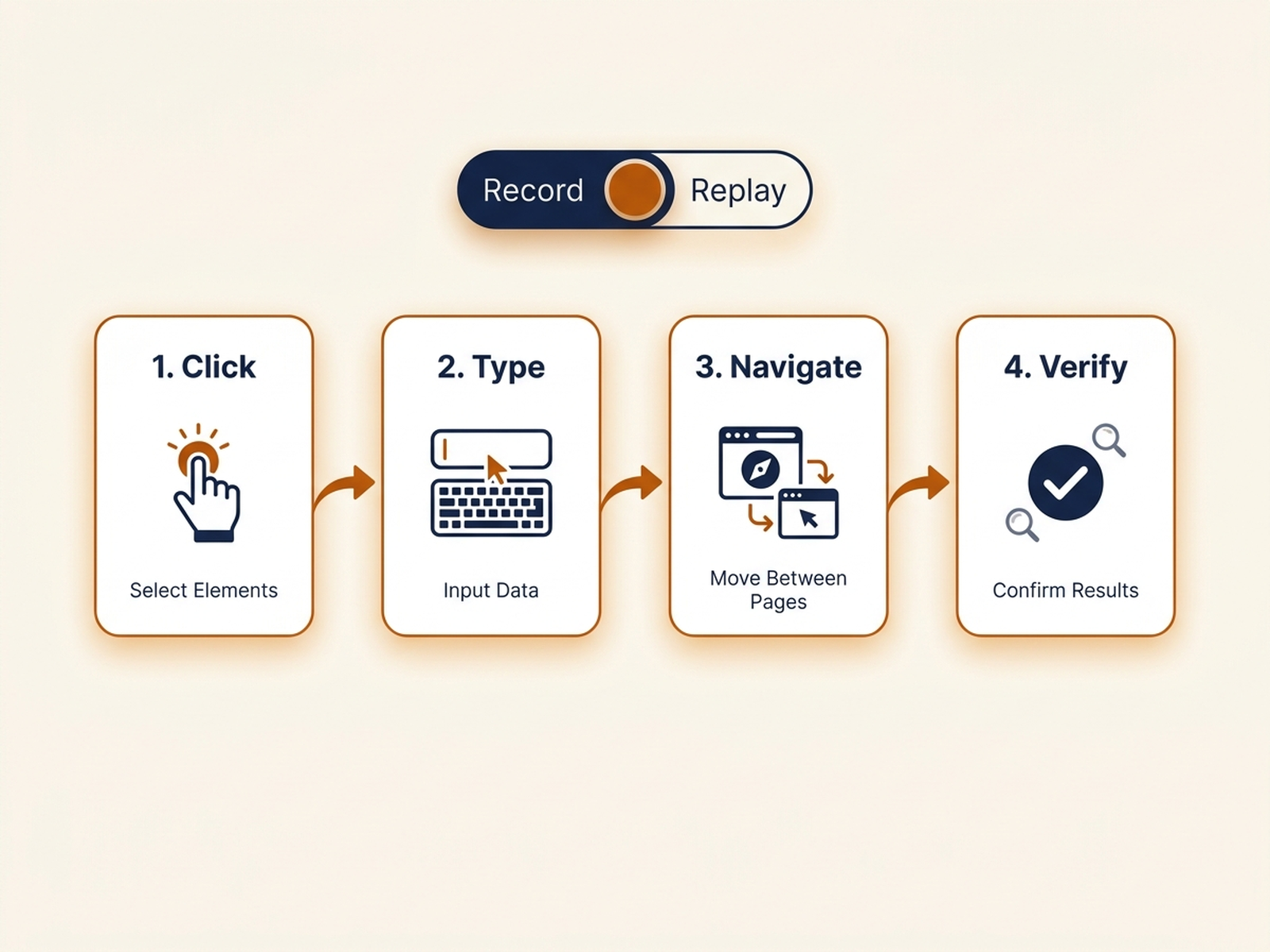
Record a task once — clicking through a web app, exporting a report, posting to a channel — and AutoPrise AI replays it forever. Confirmation gates before destructive steps. Retry logic. AI-driven re-planning when something on the page changes. The repetitive parts of your work, captured once.

  • One-shot recording, then deterministic replay
  • Smart re-planning when UI changes break the script
  • Confirmation gates for irreversible actions
AutoPrise AI Playbooks view showing a recorded multi-step procedure with numbered step thumbnails and Record / Replay controls.

08 — Plugins

Extend it with code.

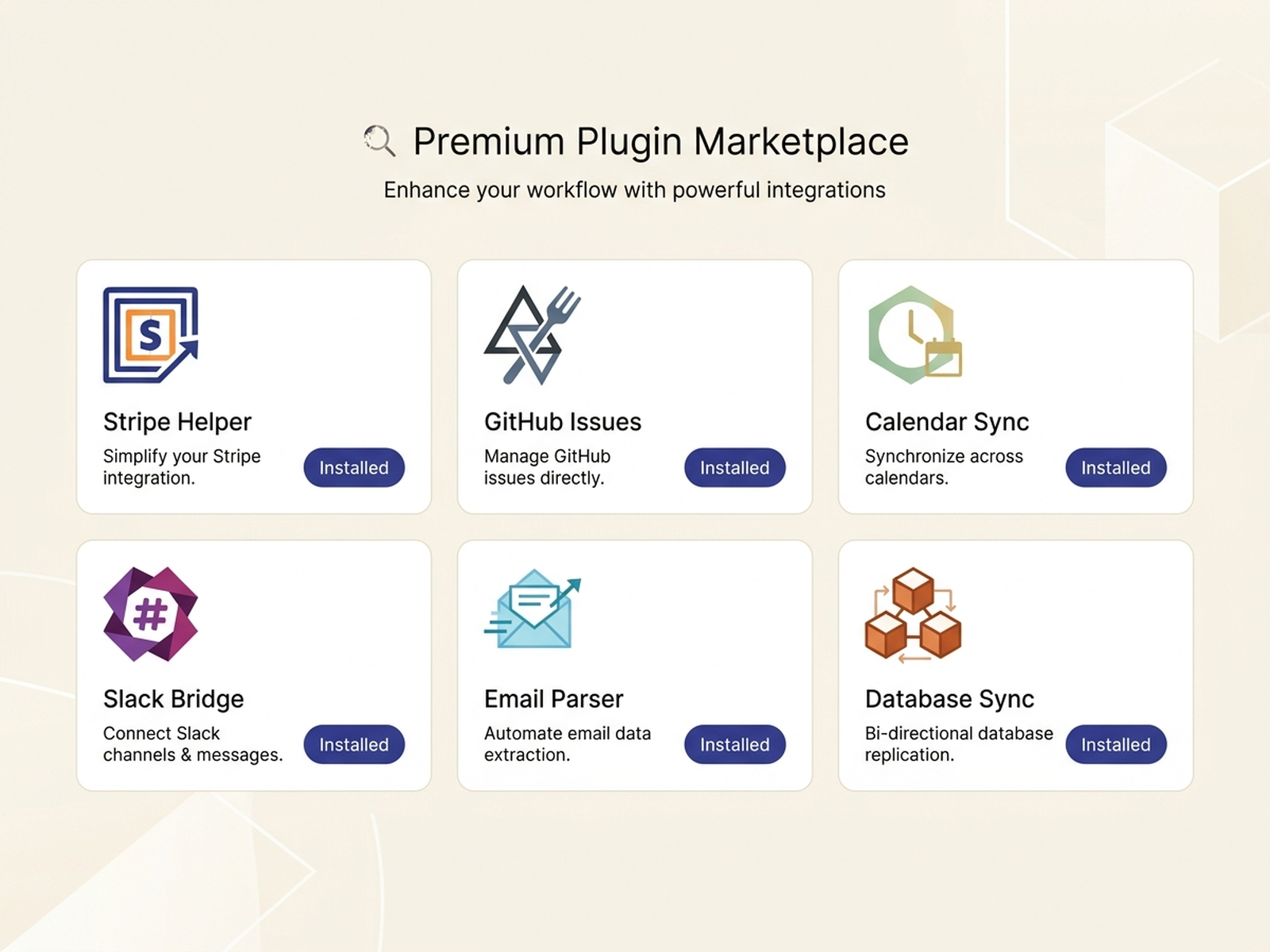
Built-in tools cover most of what you'll need. When you have something specific — a custom integration, an internal API, a domain-specific tool — drop a plugin into the plugins folder and AutoPrise AI loads it on next start. No fork, no rebuild.

  • Plugin SDK with a simple, documented contract
  • Hot-loaded at startup — no rebuild required
  • Plugins inherit the same access controls as built-in tools
AutoPrise AI plugins gallery showing a grid of plugin cards with icons, names, descriptions, and install pills.

One platform. Your machine. Your data.

AutoPrise AI is built for people who care about output and privacy. The AI runs through your own Google Gemini key. Your files, your sessions, your conversations — all stay on your PC. Always.

Early access

Want to see it run?

Join the waitlist for founder pricing and an install link the moment AutoPrise AI is available.

No spam. Confirmation comes from hello@autopriseai.com — check your Promotions tab if you don't see it in your inbox.